

i
From sketch to finished
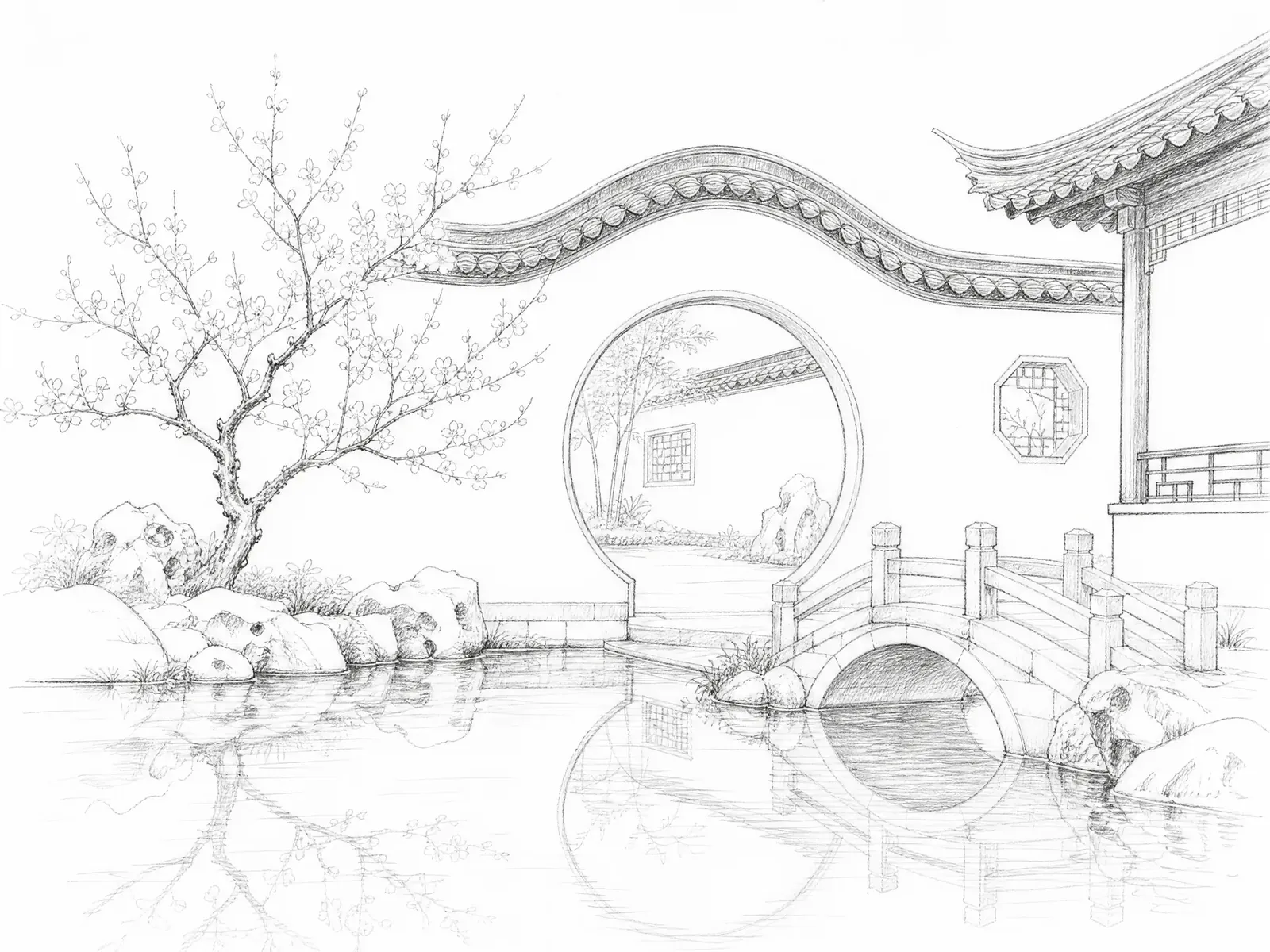
Upload a pencil sketch; keep its composition, paint it as a garden in spring.
Turn one product photo into a full listing set, connect every step on a canvas, and make your photos into a book you can flip through.
Upload a pencil sketch; keep its composition, paint it as a garden in spring.
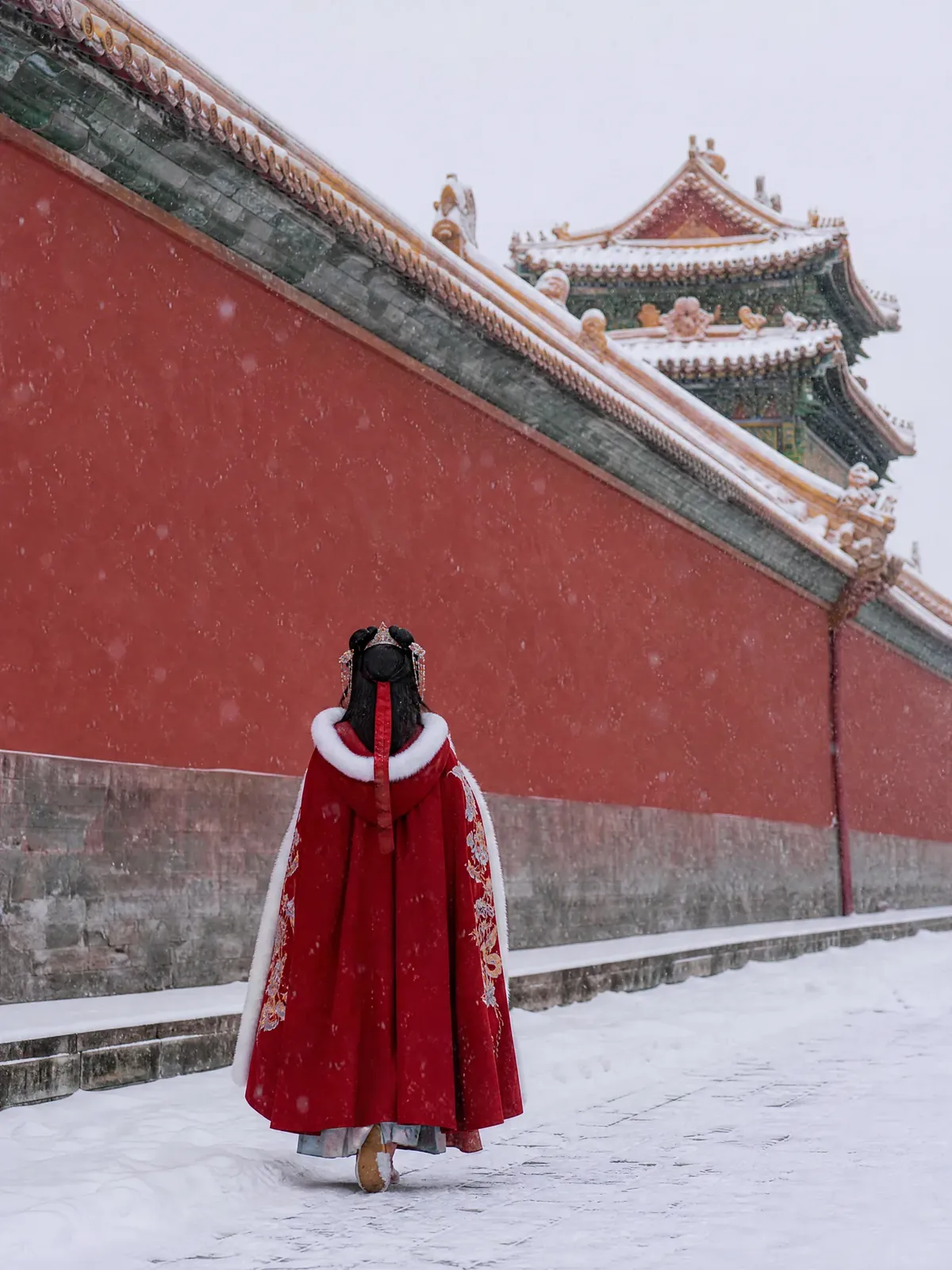
Red walls, golden tiles, a hanfu cape walking away.

Skins thin enough to see the broth, with ginger and black vinegar.
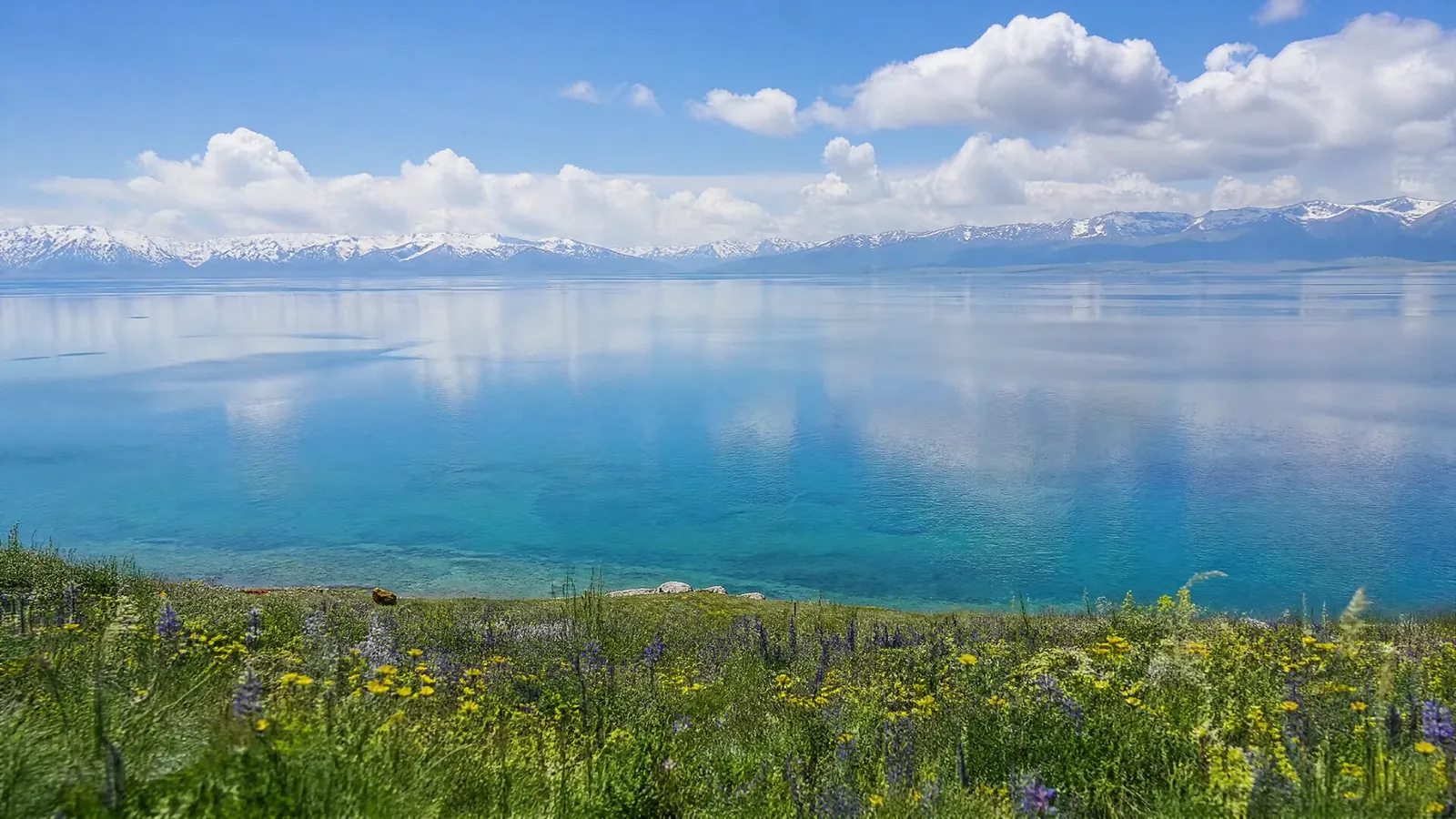
Clear blue water, wildflowers, snow on the peaks.

Blue-violet light drifting in the dark.
The product stays exactly the same. AI redoes the setting, light and layout.





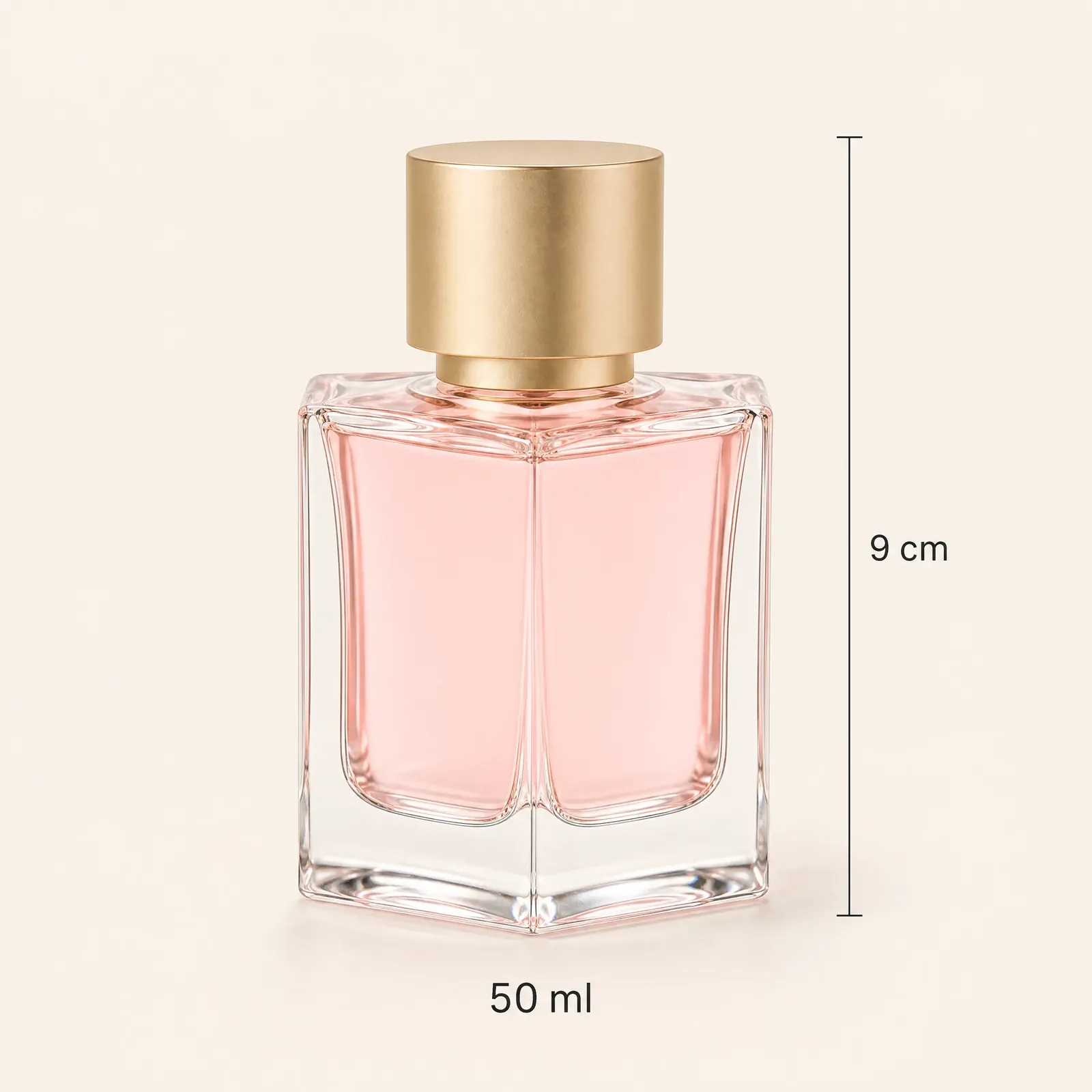



 Original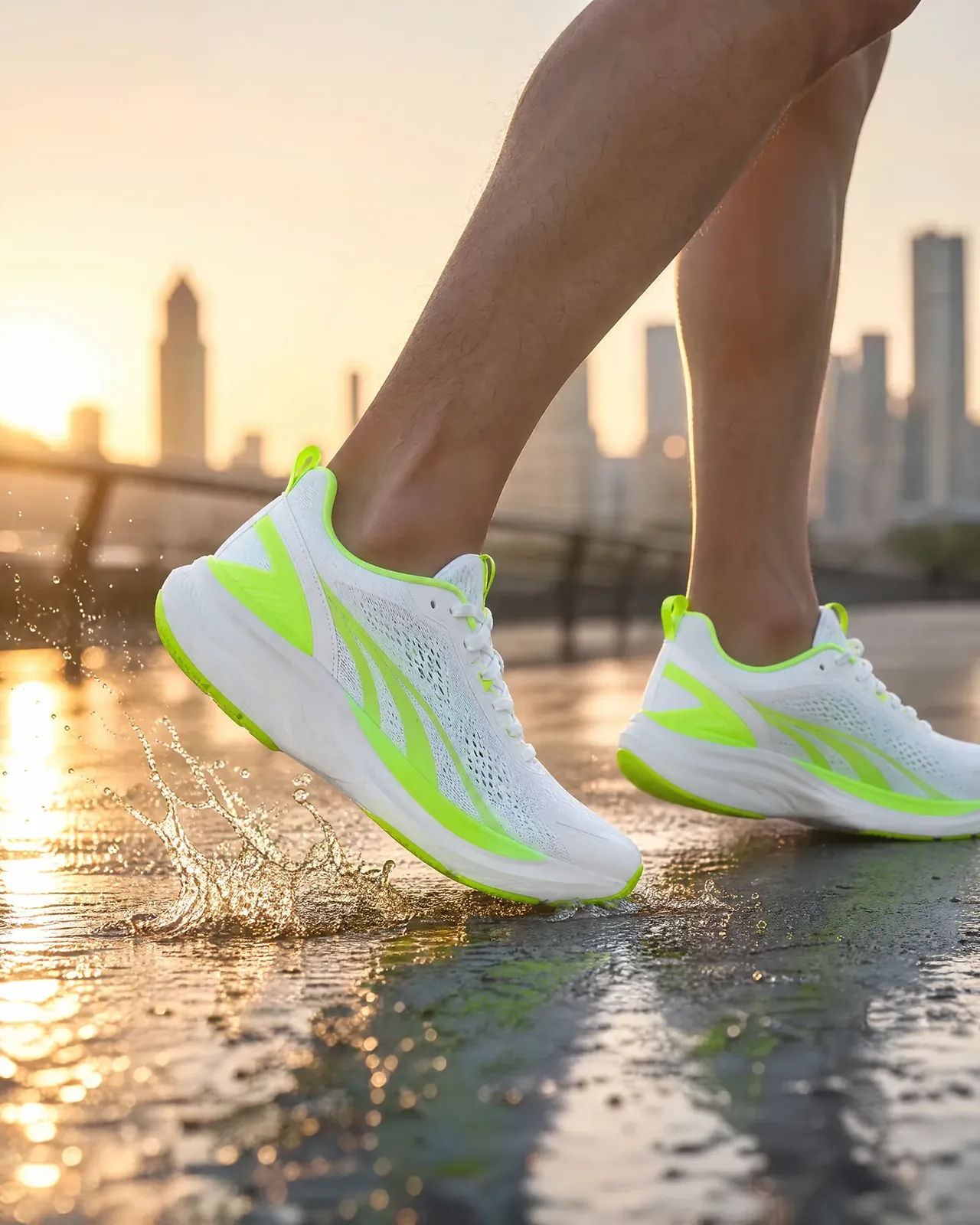
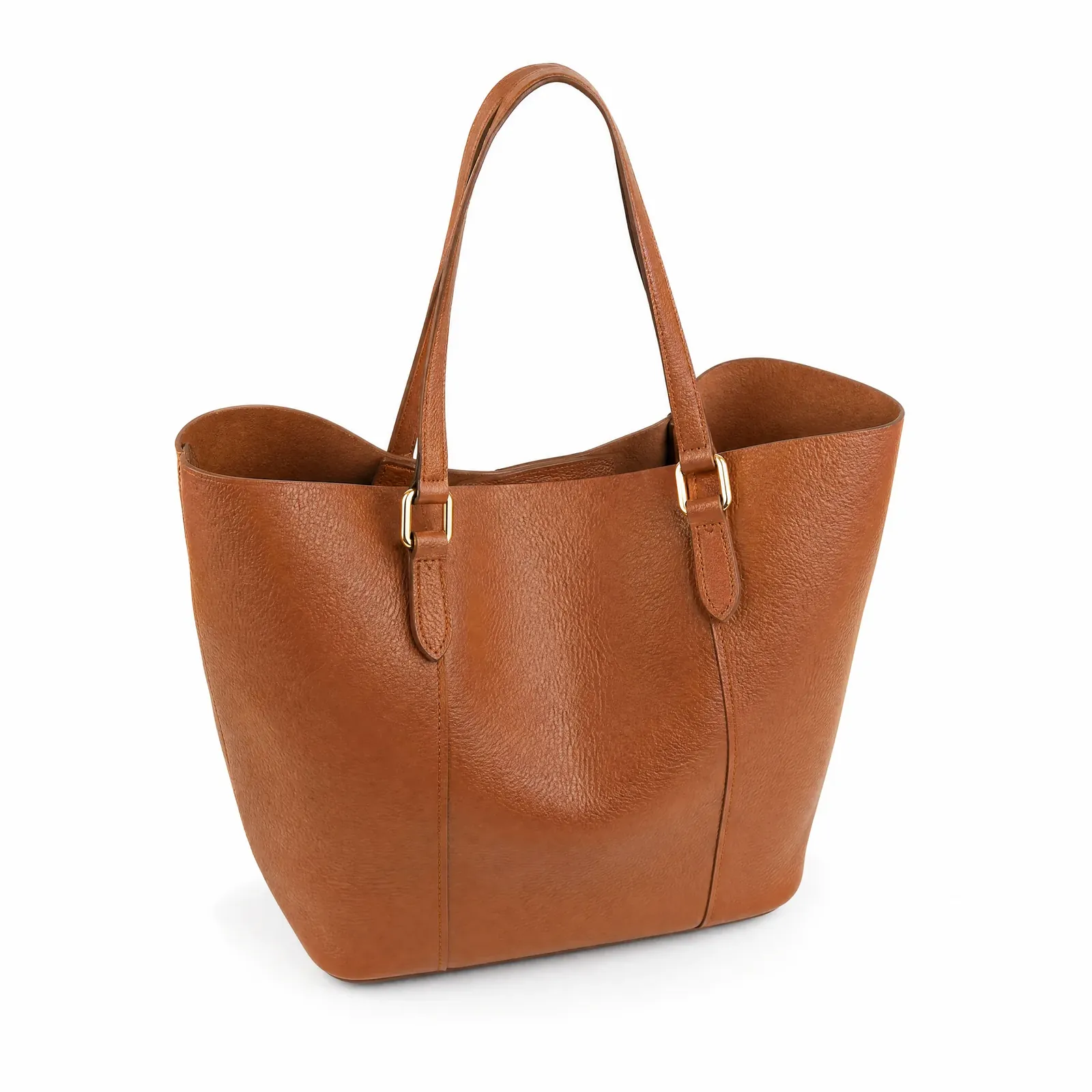 Product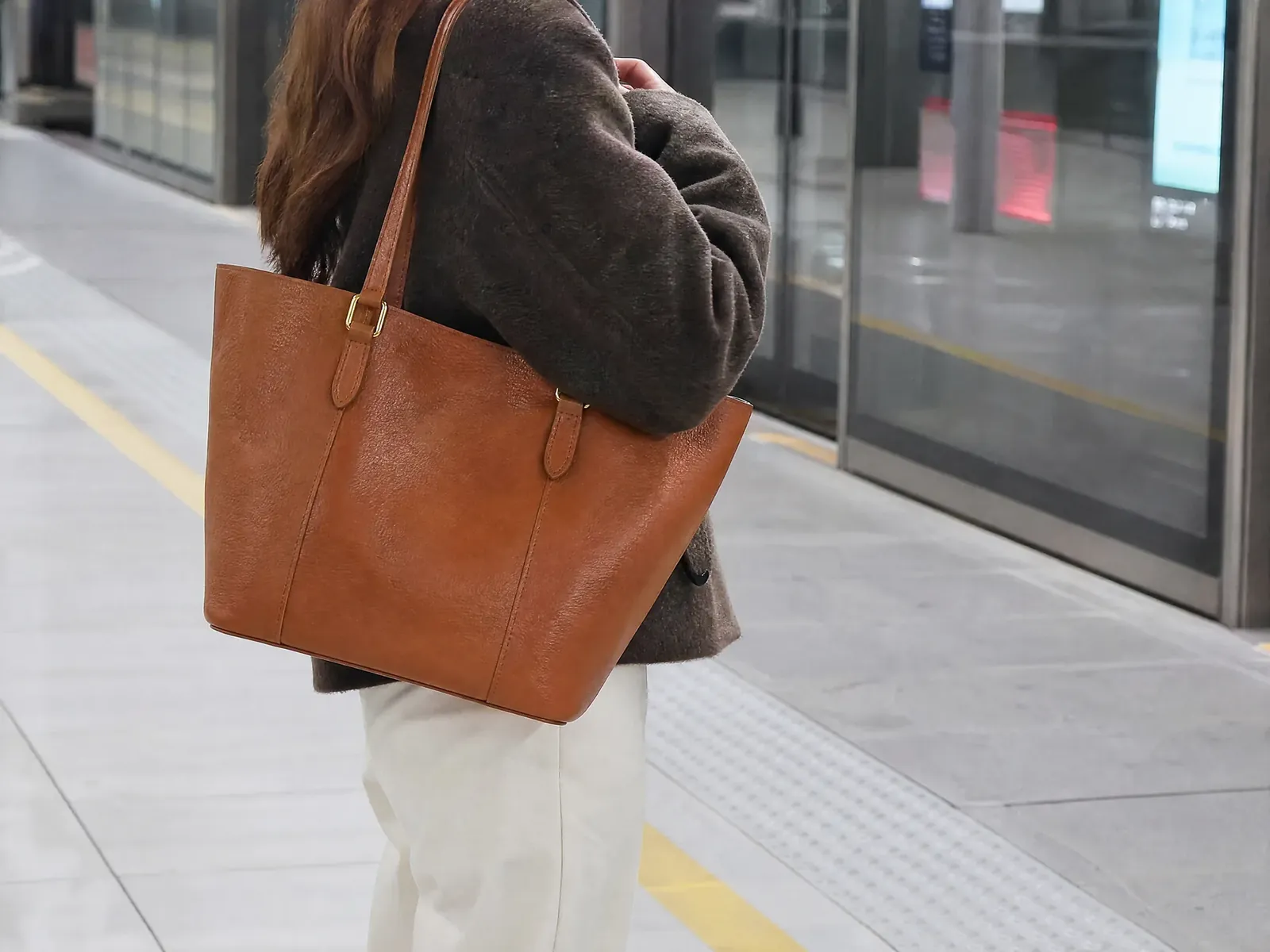


Drop in your materialA product photo and a scene brief, each a card on the canvas.
Wire it to GenerateTick the inputs to use, pick a ratio and a count.
Results stay on the canvasThree scenes land next to it. Pick one and keep going.
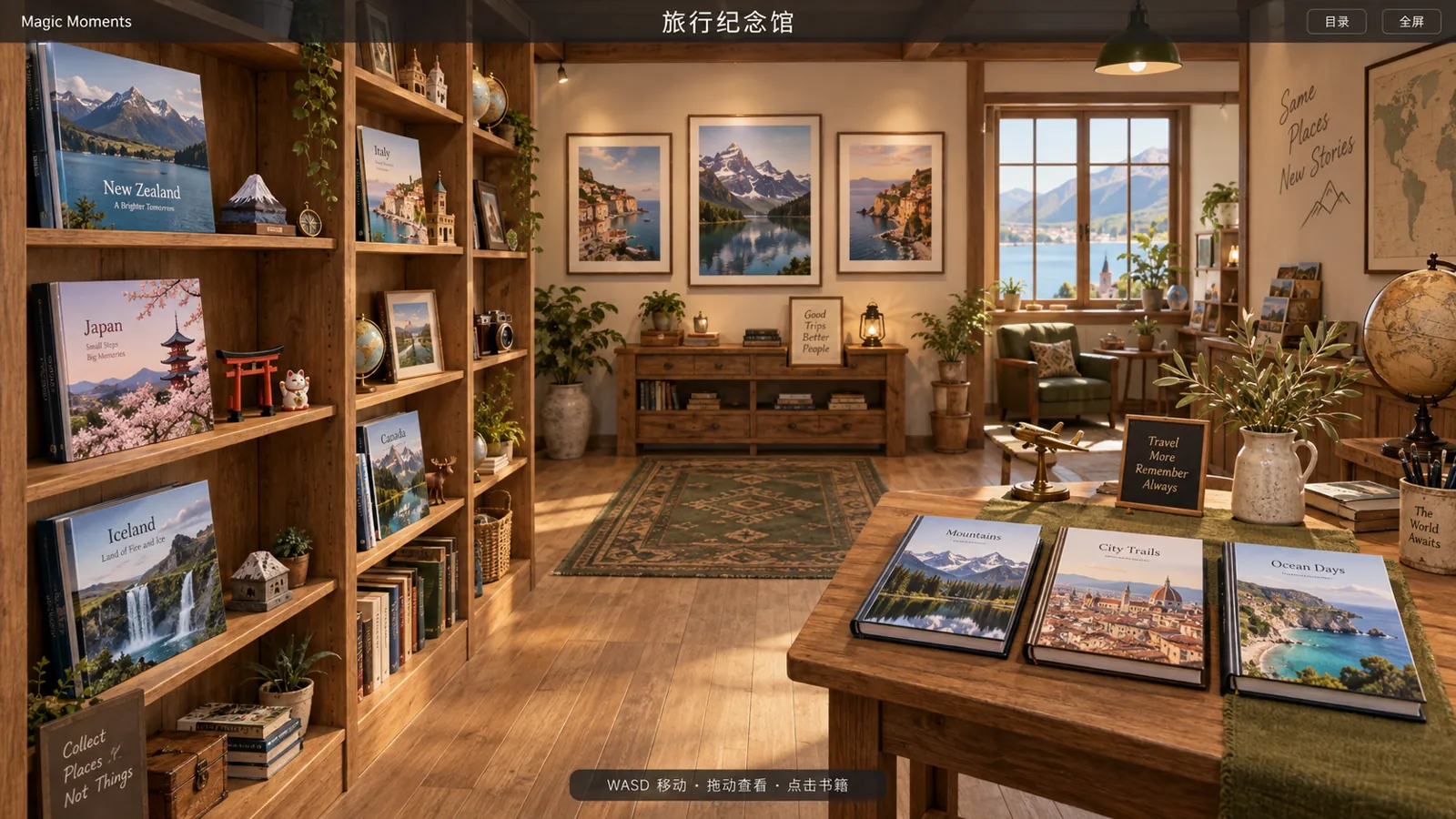
Choose photos, a cover and layouts, and get a digital photo book. Send a link and they can flip through it on their phone.
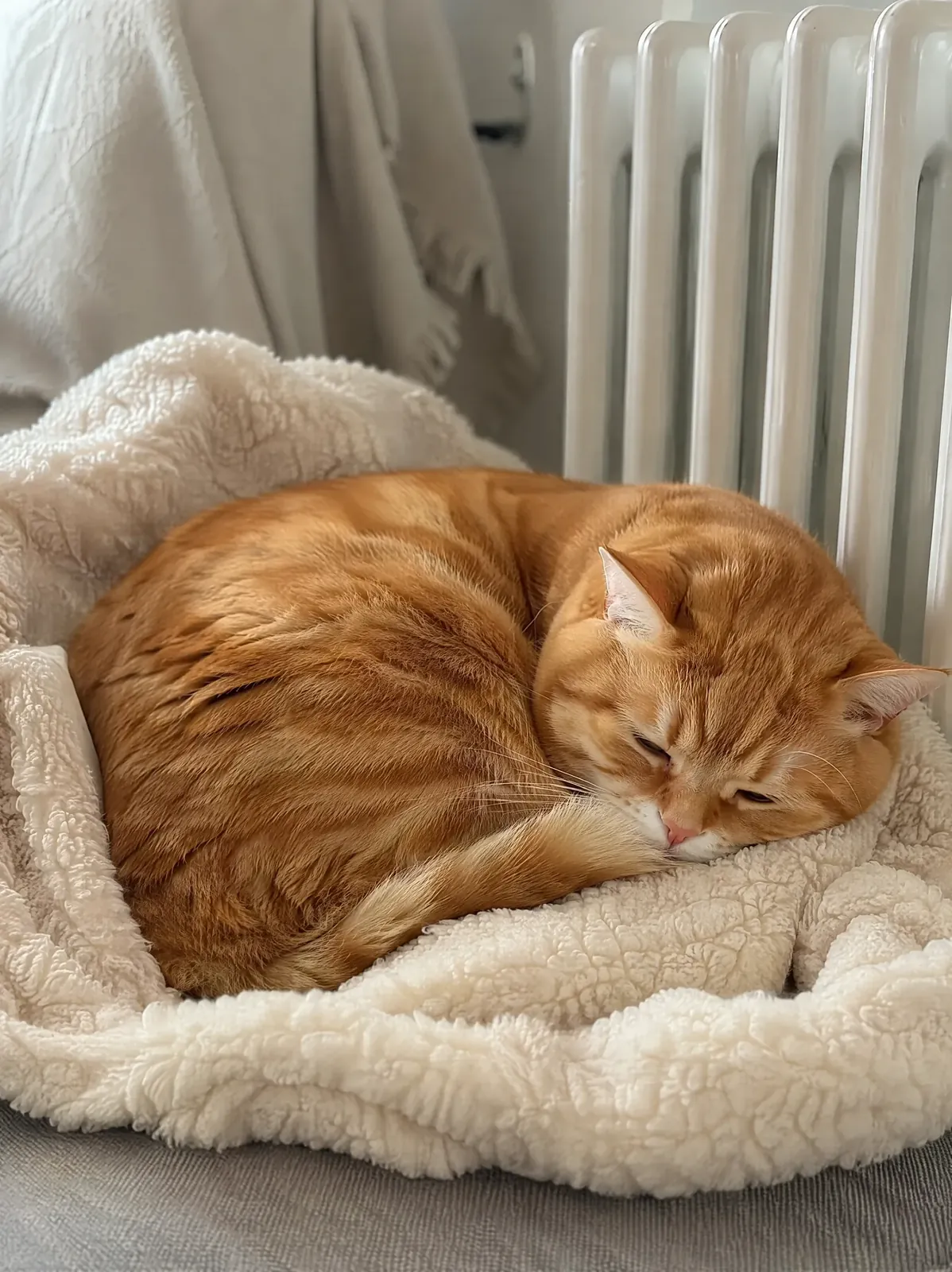
By the radiatorwinter

New Year lanternnew year

My box nowany day

Leaf pileautumn
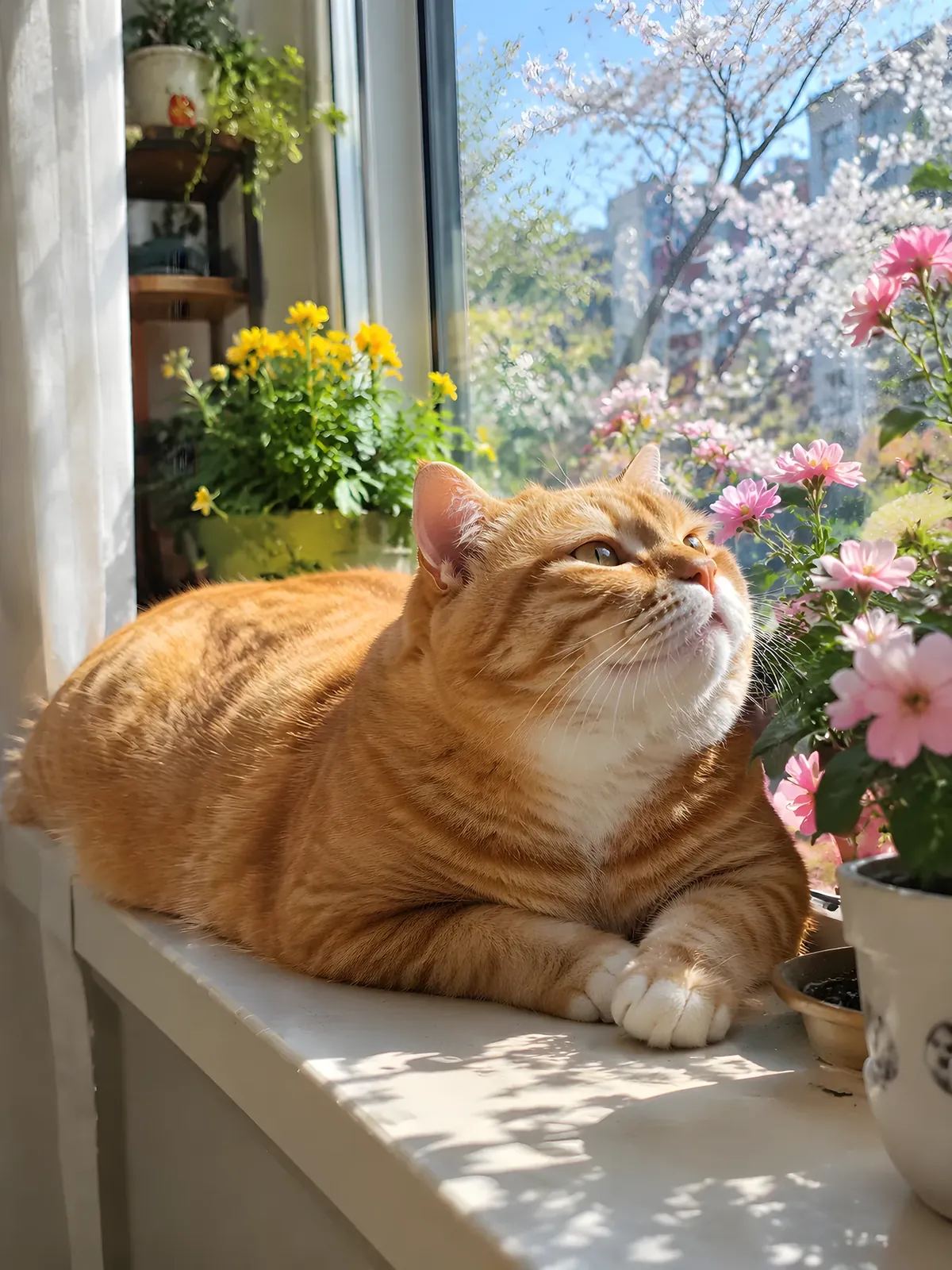
Spring windowsillspring
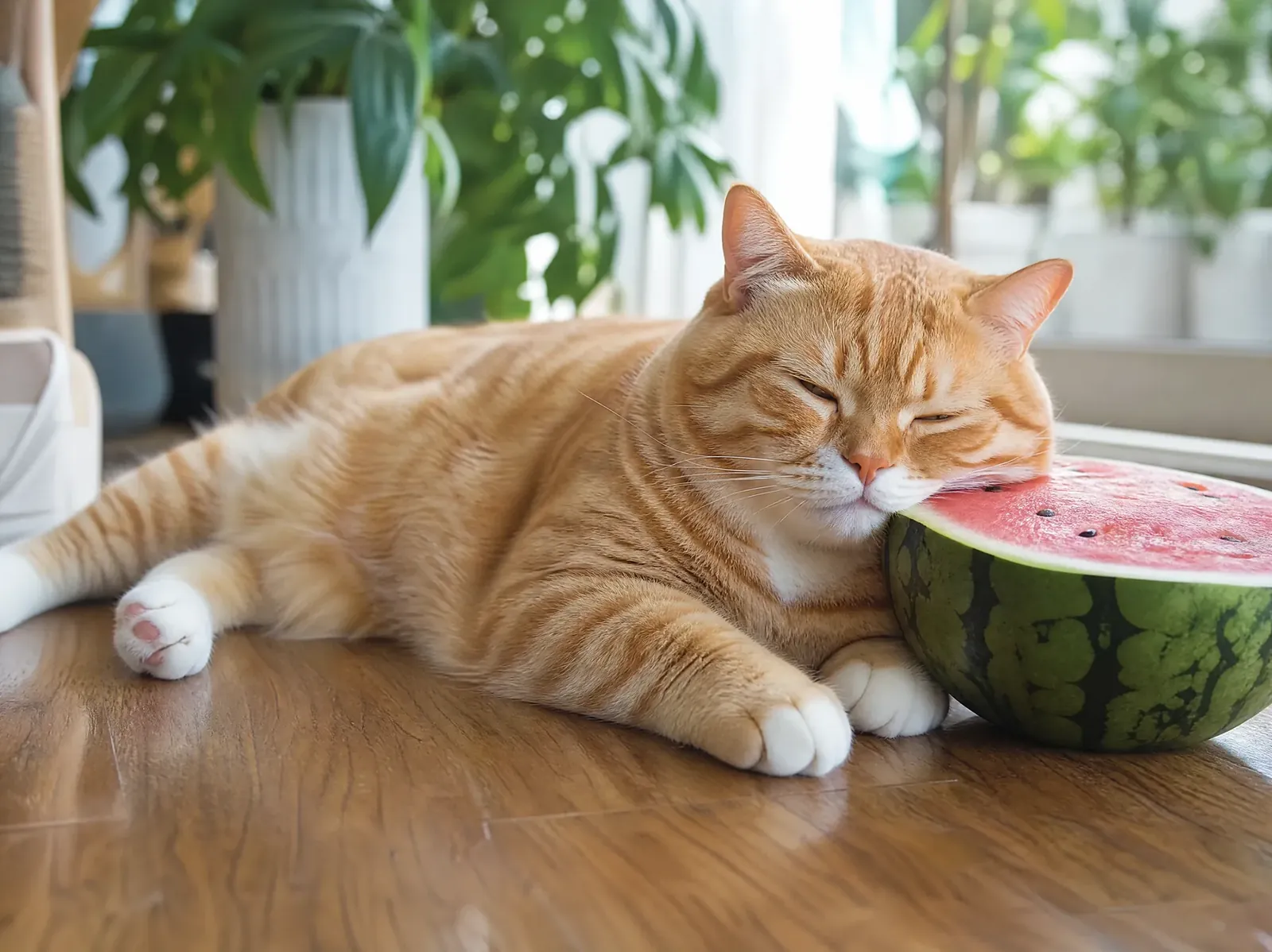
Watermelon napsummer
Yes. After verifying your email, you may receive signup or check-in Credits under the current offers, so you do not need to buy a Plan first.
Lite is for occasional creation. Pro is for creating, organizing, and reusing assets regularly. Max is for frequent creation and higher monthly volume.
Credits are used for AI generation and some advanced processing. Usage varies by feature, model, resolution, and output count, and the estimate is shown before you submit.
You can buy a Credits top-up or choose a Plan. Plan and reward Credits expire, while paid top-up Credits remain available. Baiuv uses the earliest-expiring Credits first.
Global Stripe Plans renew by subscription and can be canceled at the end of the current period. China-region Plans are sold for a one-time period. Available changes appear in your account.
Available payment methods are shown for your billing region. Credits purchases and paid Plans are non-refundable by default; cases required by law or exceptional circumstances can be reviewed by support.
Images generated during a paid Plan or within a Starter Pack's validity period can be used commercially, even after it ends; images generated with only free or top-up Credits are for personal use. You must have the rights to any uploaded materials and review the result before publishing it.
Uploads and generated results are private by default. Baiuv does not use your content, prompts, or outputs to train Baiuv or third-party foundation models unless we tell you separately and obtain any consent required by law.
 Original
 Original
 Original
 Original


